Athlete setup
Follow these steps to create your account, set up your profile, and get your first workout going.
Sign in to your account
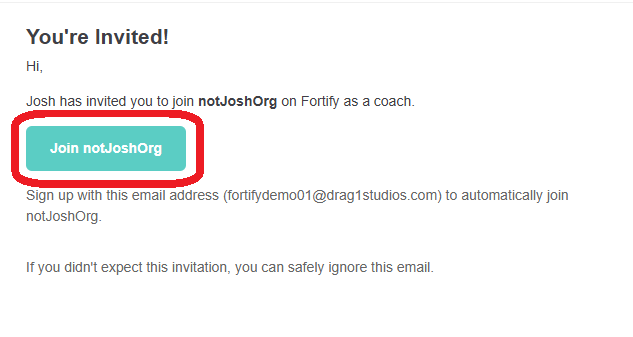
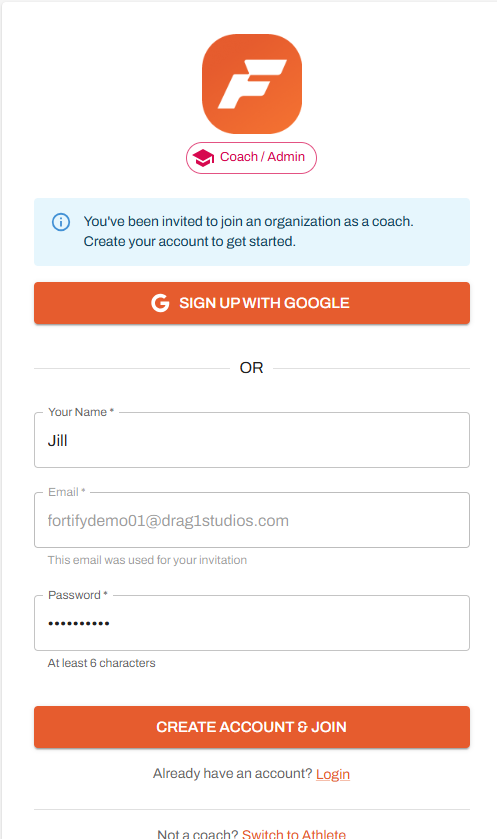
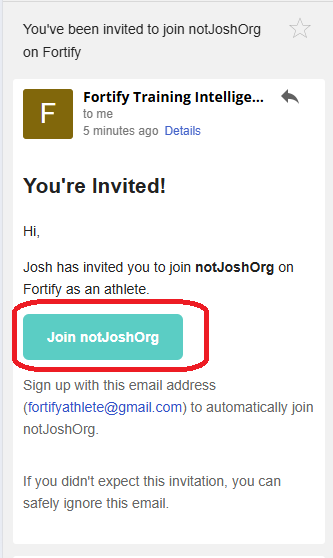
Sign in using the email you were invited with, then enter your name and create a password to set up your account.
If you used a Gmail address, select Sign Up with Google and follow the prompts.
Build your training profile
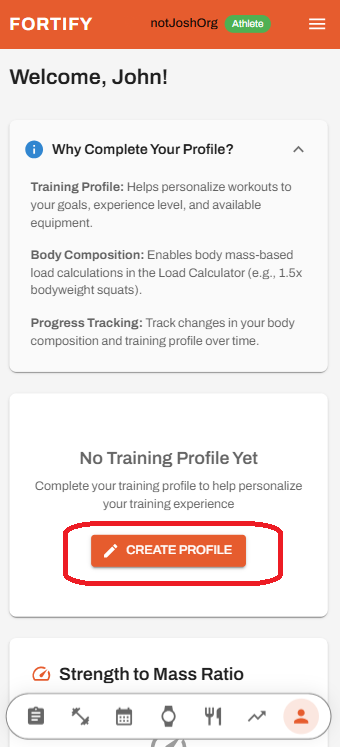
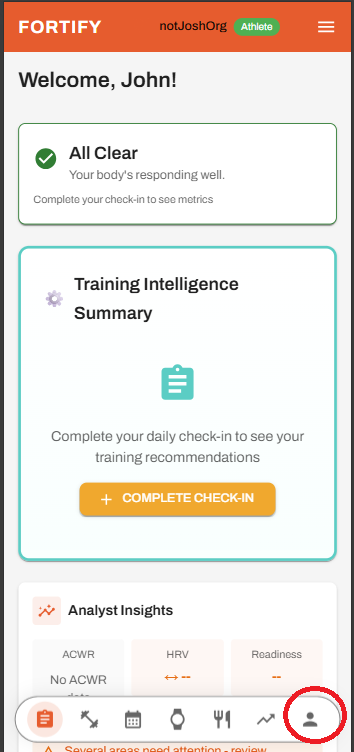
Set up your profile so Fortify can personalize your workouts and recommendations. Tap the profile icon in the bottom navigation bar to get started.
Tap Create Profile and complete the fields for your goals, experience level, available equipment, and other relevant details. This information helps tailor your training experience.
Connect your wearable devices
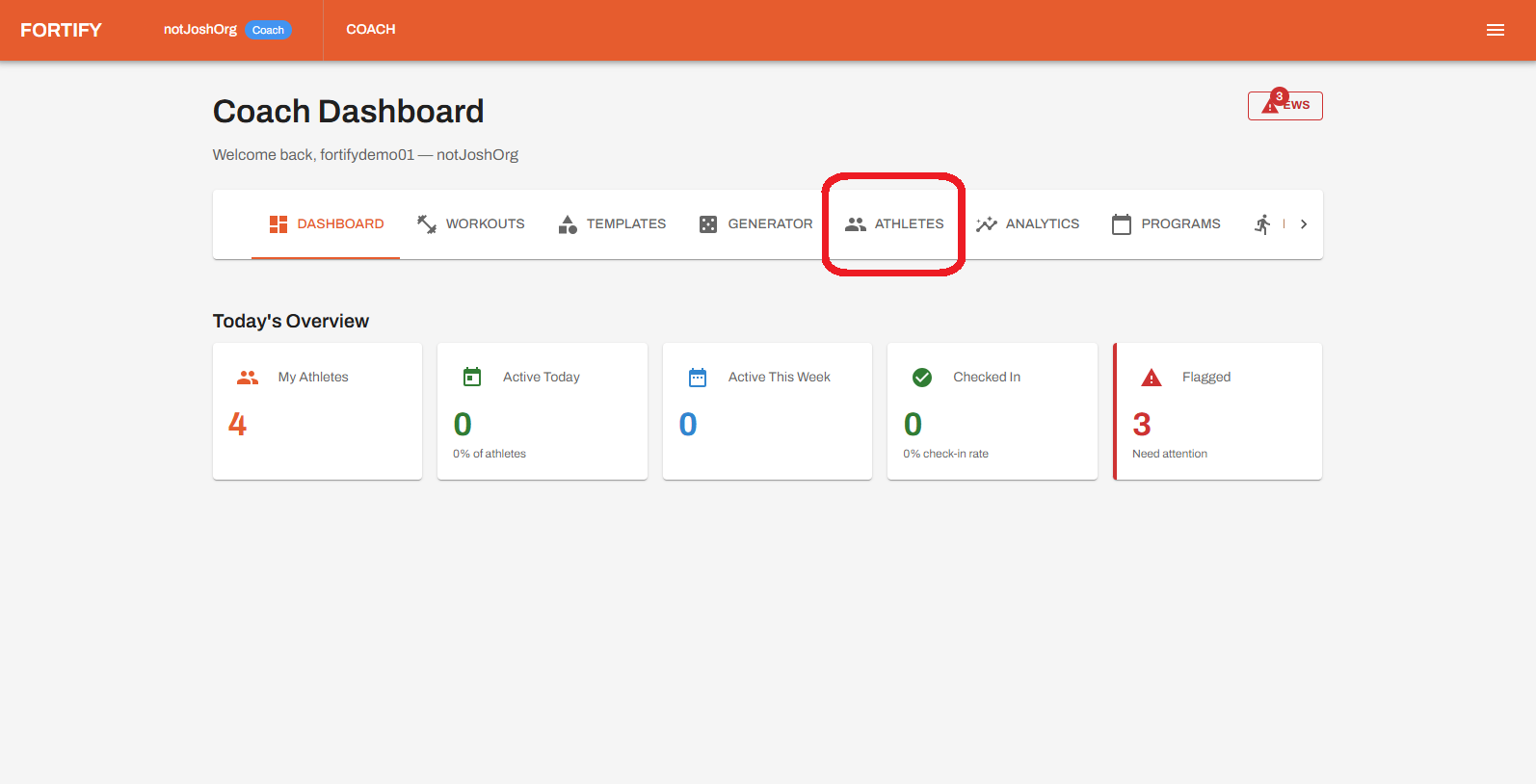
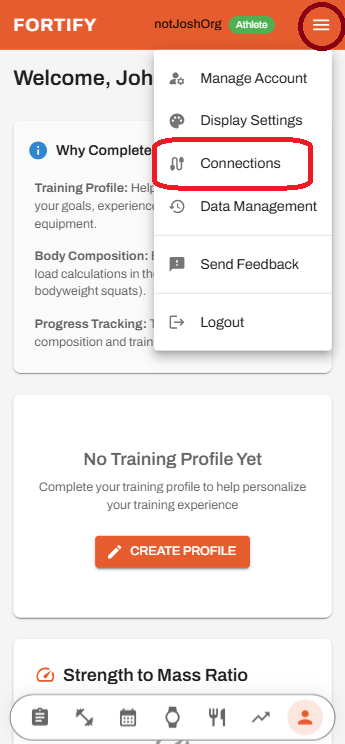
Connect your wearable devices to sync wellness data and improve recommendation accuracy. Open the menu in the top right corner and select Connections.
Choose the devices you want to connect and follow the on-screen instructions. Once connected, your data will begin syncing automatically.
Complete your daily check-in
Complete your daily check-in so Fortify can adjust recommendations based on your current condition. From the Dashboard, tap Complete Check-in to begin.
Select the options that reflect your current mood, recent activity, and readiness. Scroll to the bottom and tap Submit Check-In to save your responses.
Start your first workout
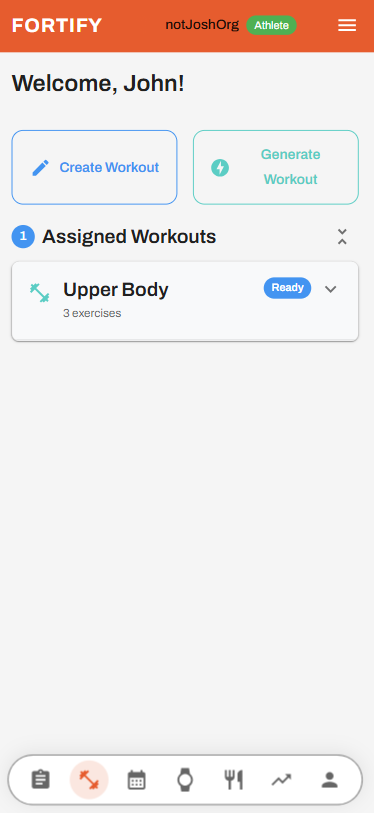
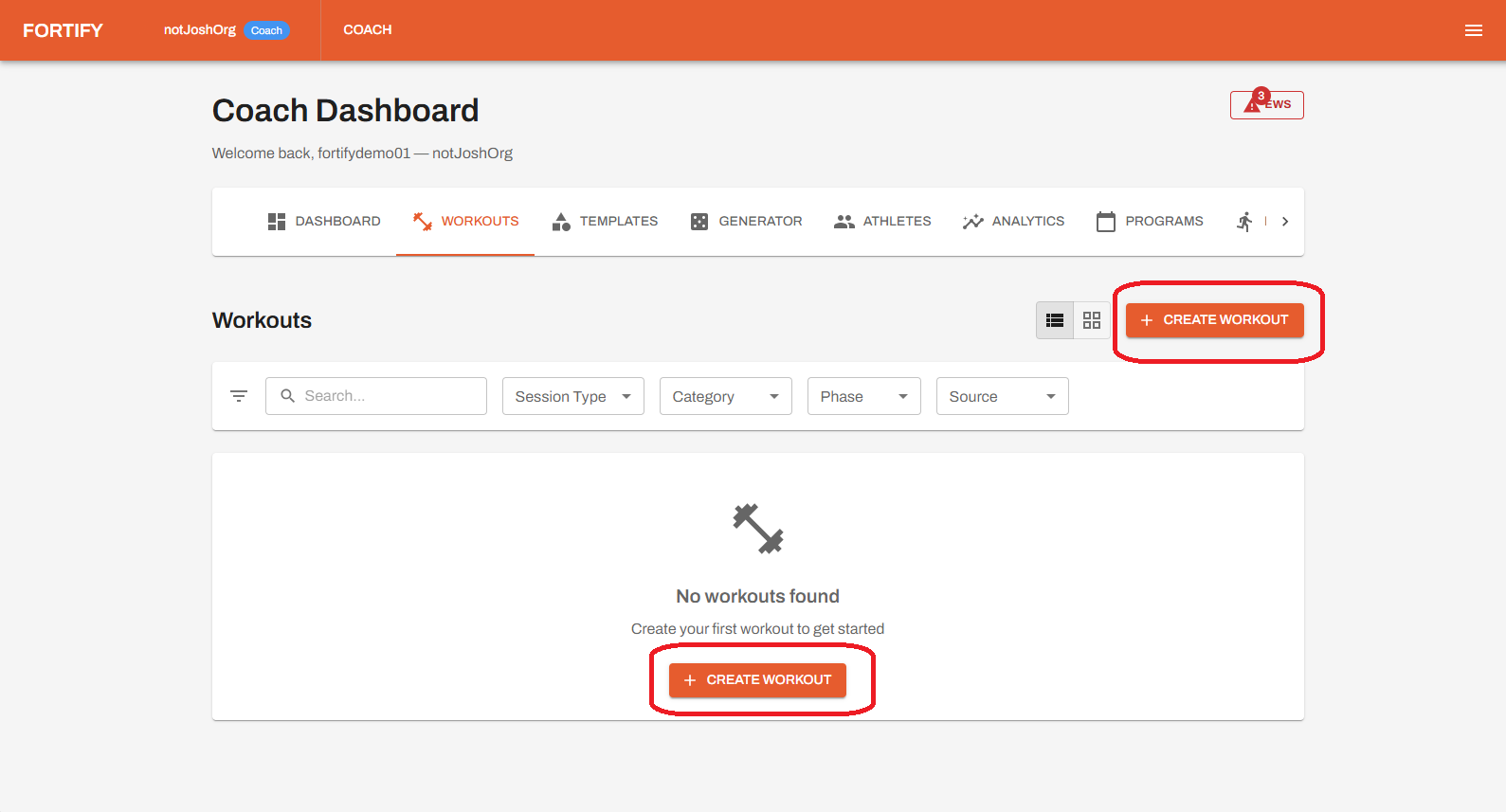
Tap the Workouts icon in the bottom navigation bar to get started. You can create your own workout, have Fortify generate one, or follow a workout assigned by your coach.
Share your feedback
Your feedback is a critical part of this beta and will directly shape the product.
To send feedback within the app:
1. Click the menu icon (three lines) in the upper right corner
2. Select Send Feedback
That's everything to get started
Explore the platform, stay consistent, and Fortify will continue to adapt to your training over time.