Coach & admin setup
Follow these steps to accept your invite, manage athletes, build workouts, and get your organization running on Fortify.
Accept your invite
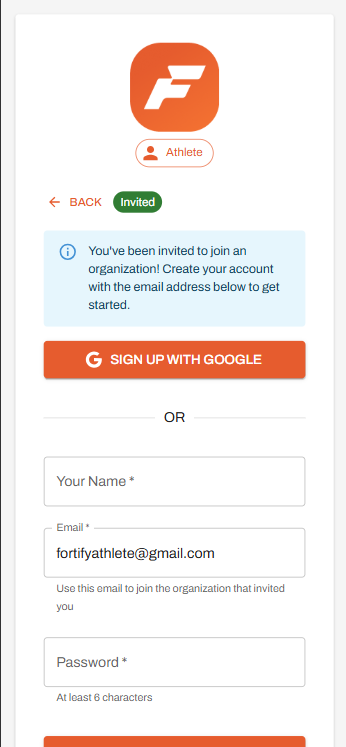
Open your invite email and click the button to join your organization. This will take you directly into the Fortify onboarding flow.
Sign in to your account
Sign in using the email you were invited with, then enter your name and create a password to set up your account.
If you used a Gmail address, select Sign Up with Google and follow the prompts.
View and manage your athletes
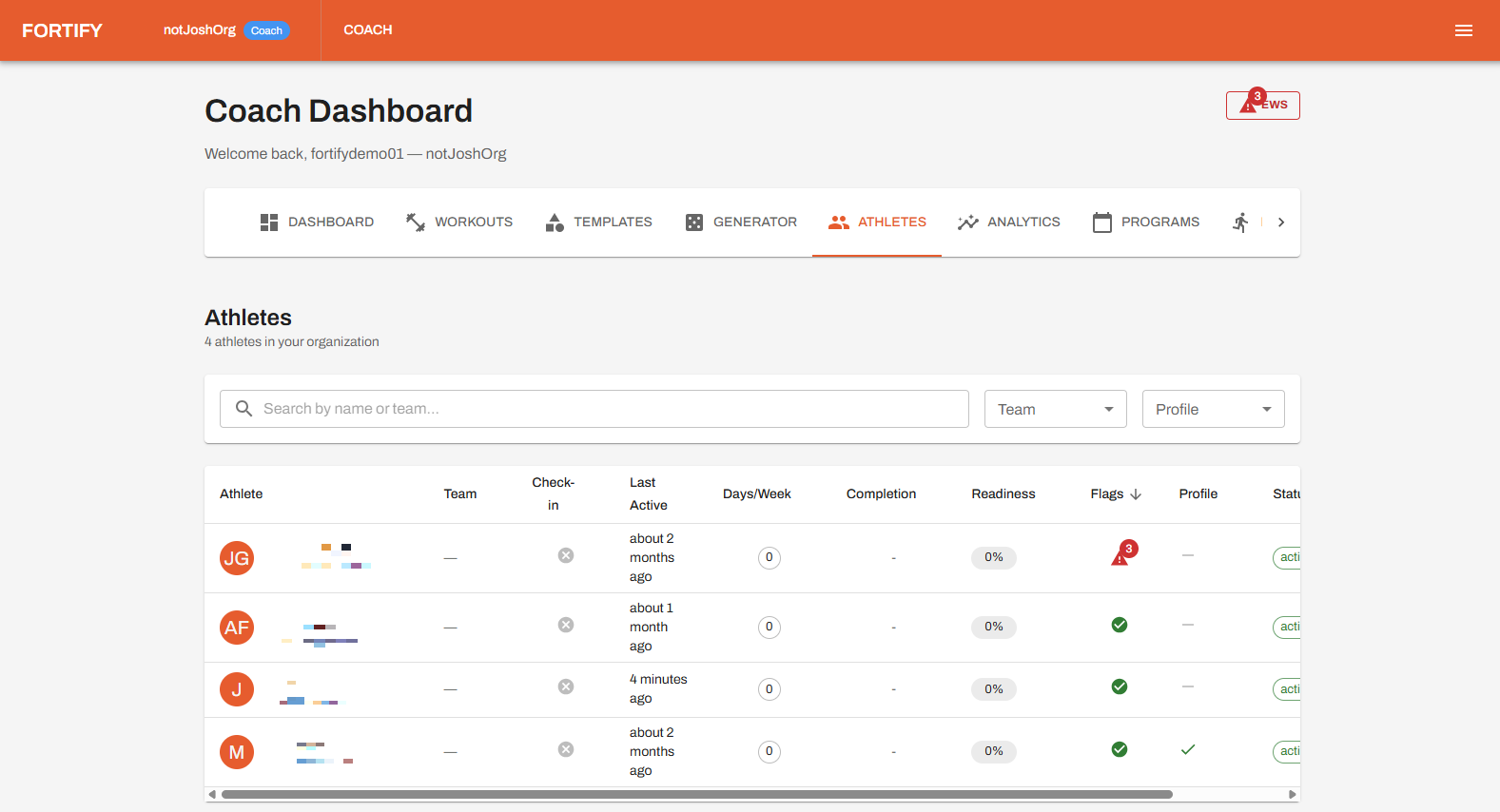
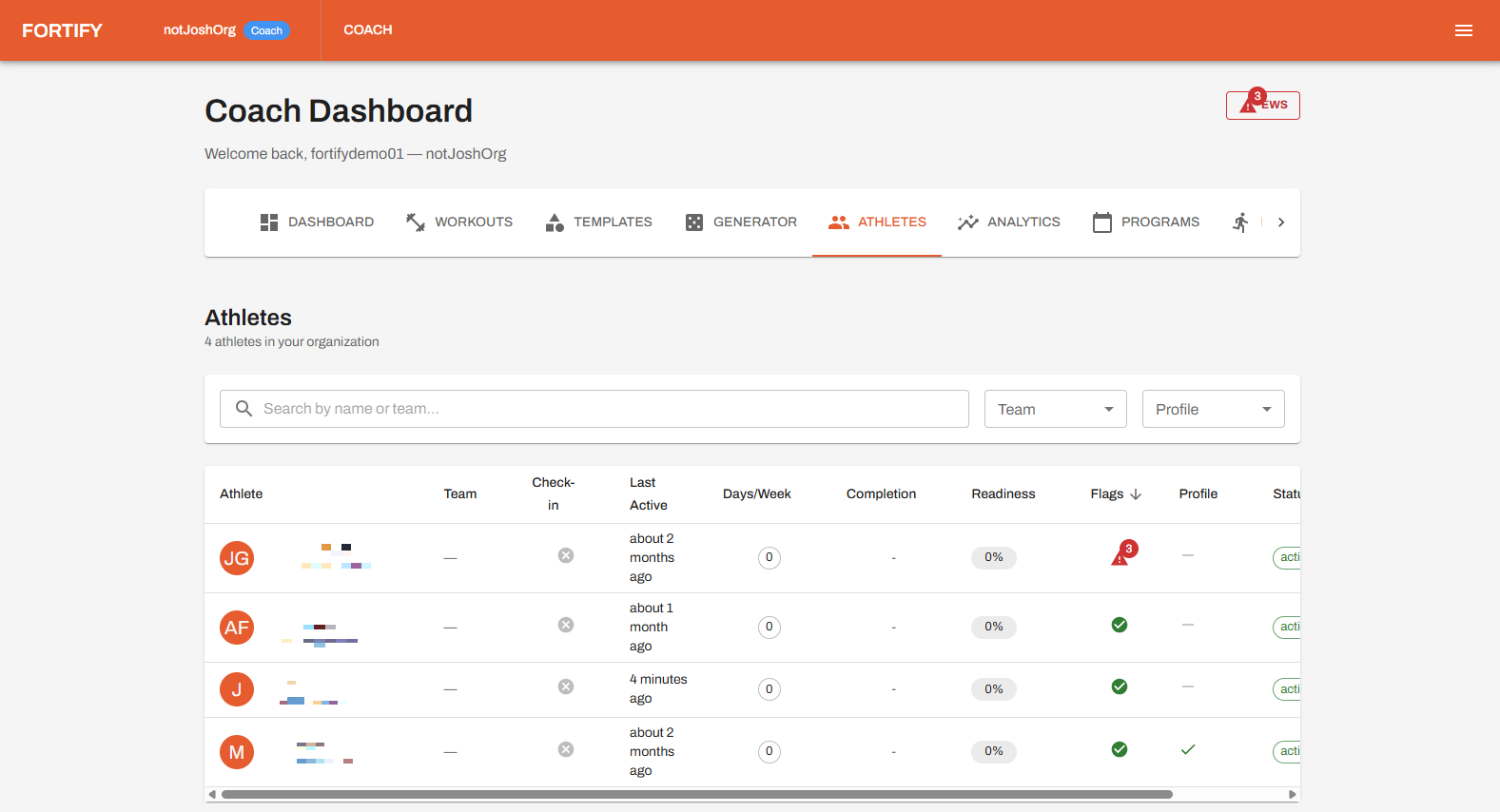
Manage your athletes from the Athletes section of the Coach Dashboard. This is where you access athlete profiles and monitor their activity.
View all athletes in your organization from this page. If an athlete is missing, switch to the Admin Dashboard (if you have access) or contact your organization's admin to add them.
Invite new members
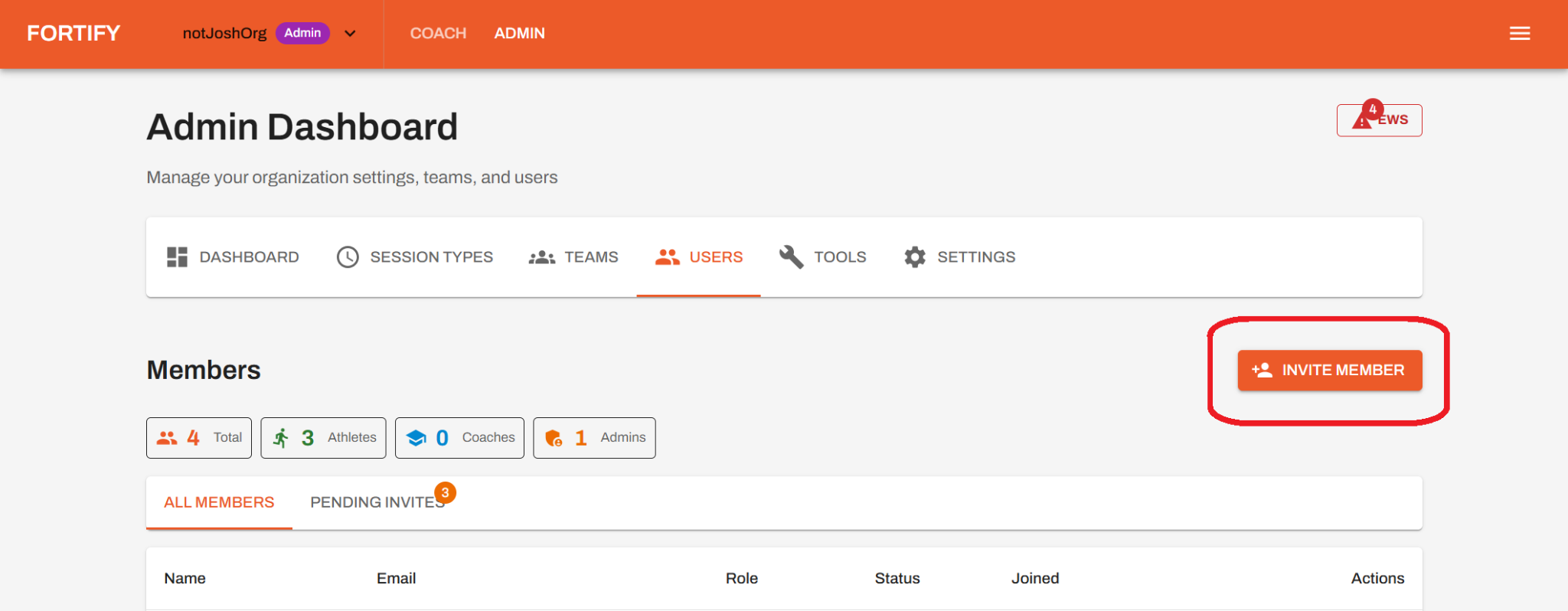
Invite new members from the Users section of the Admin Dashboard. Click Invite Member to begin adding a coach or athlete.
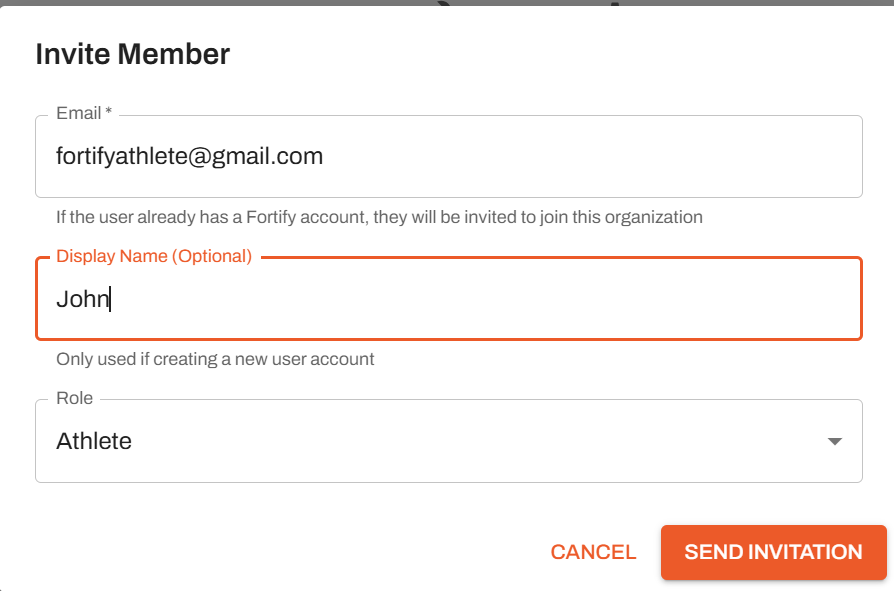
Enter the member's email, display name, and role, then click Send Invitation. Once they accept and create an account, they will appear in the Users list.
Create and assign workouts
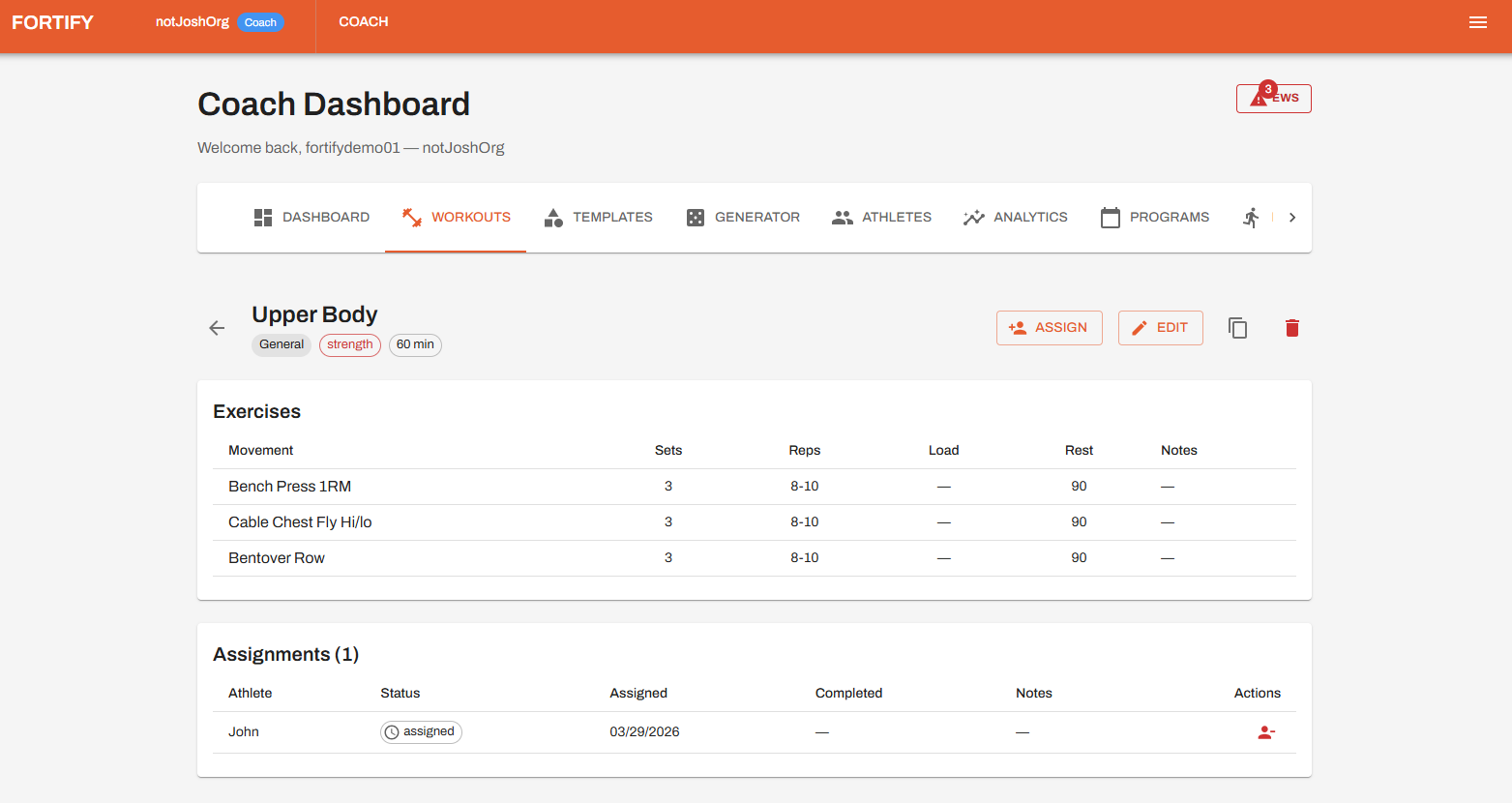
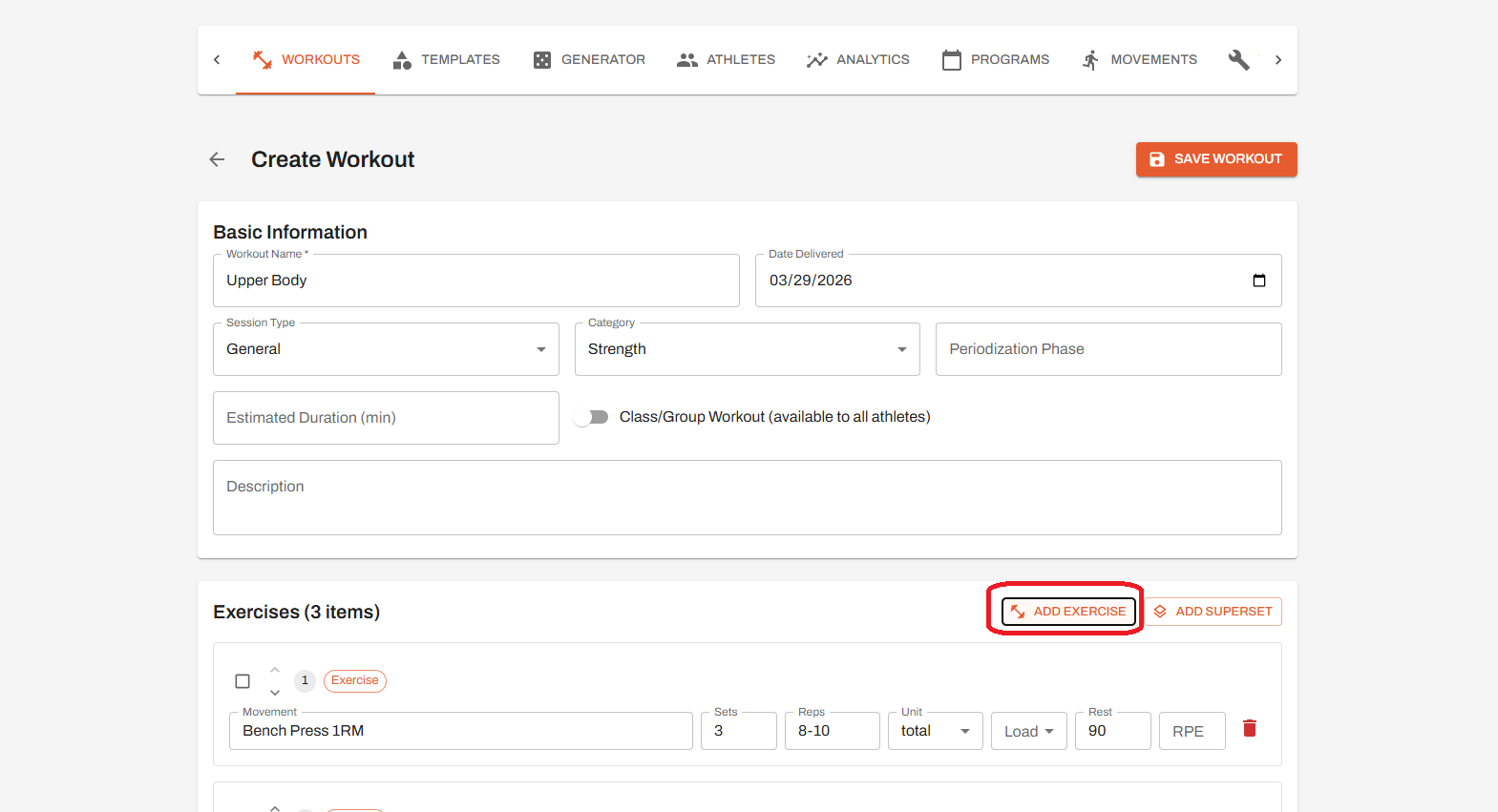
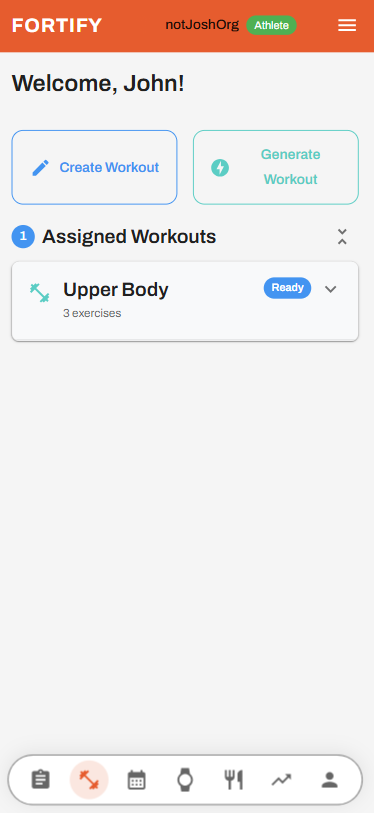
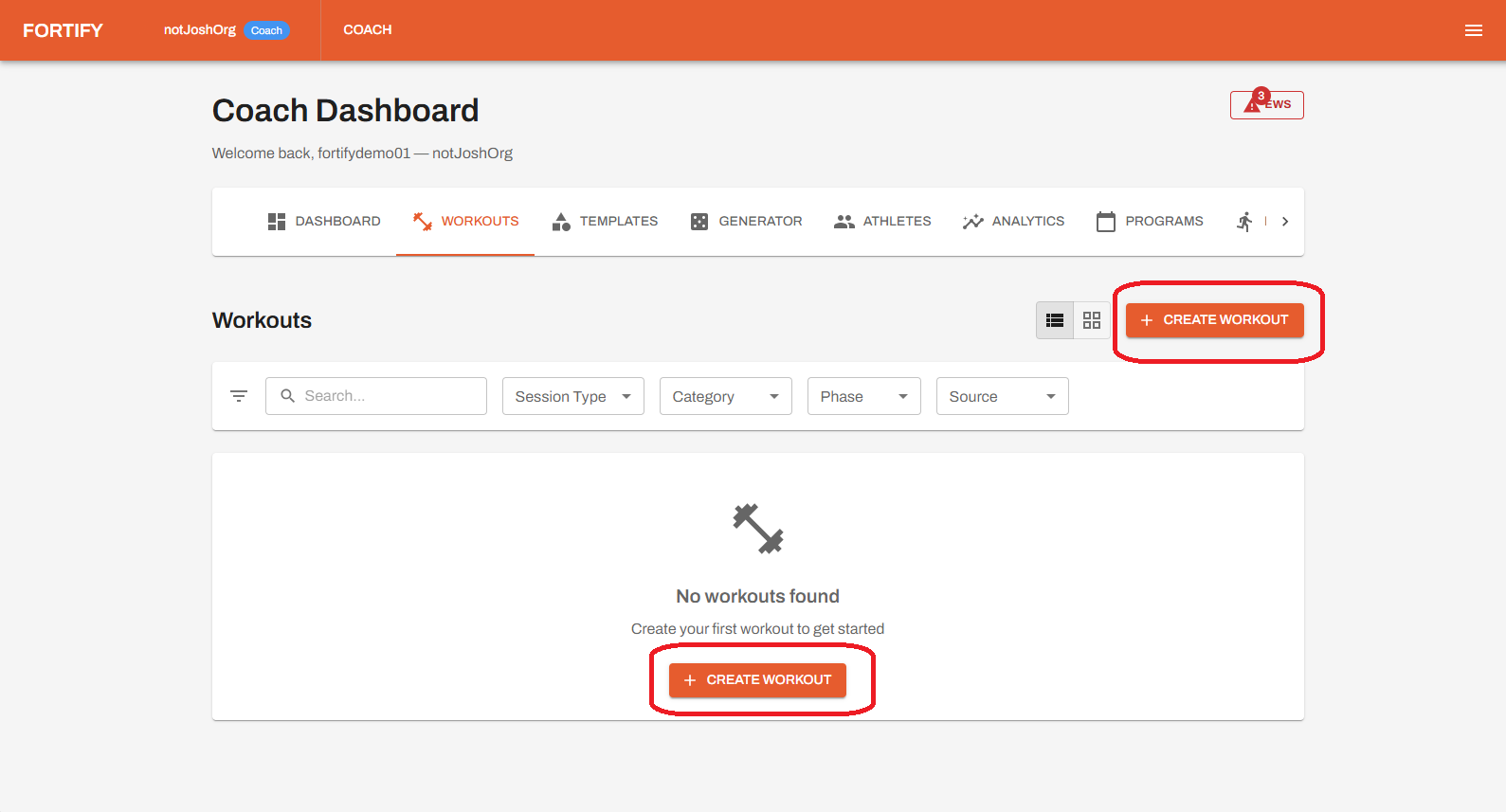
Create workouts for your athletes from the Workouts section of the Coach Dashboard. Click any Create Workout button to get started.
Add exercises and include all relevant details for each one. When you're finished, click Save Workout to store it.
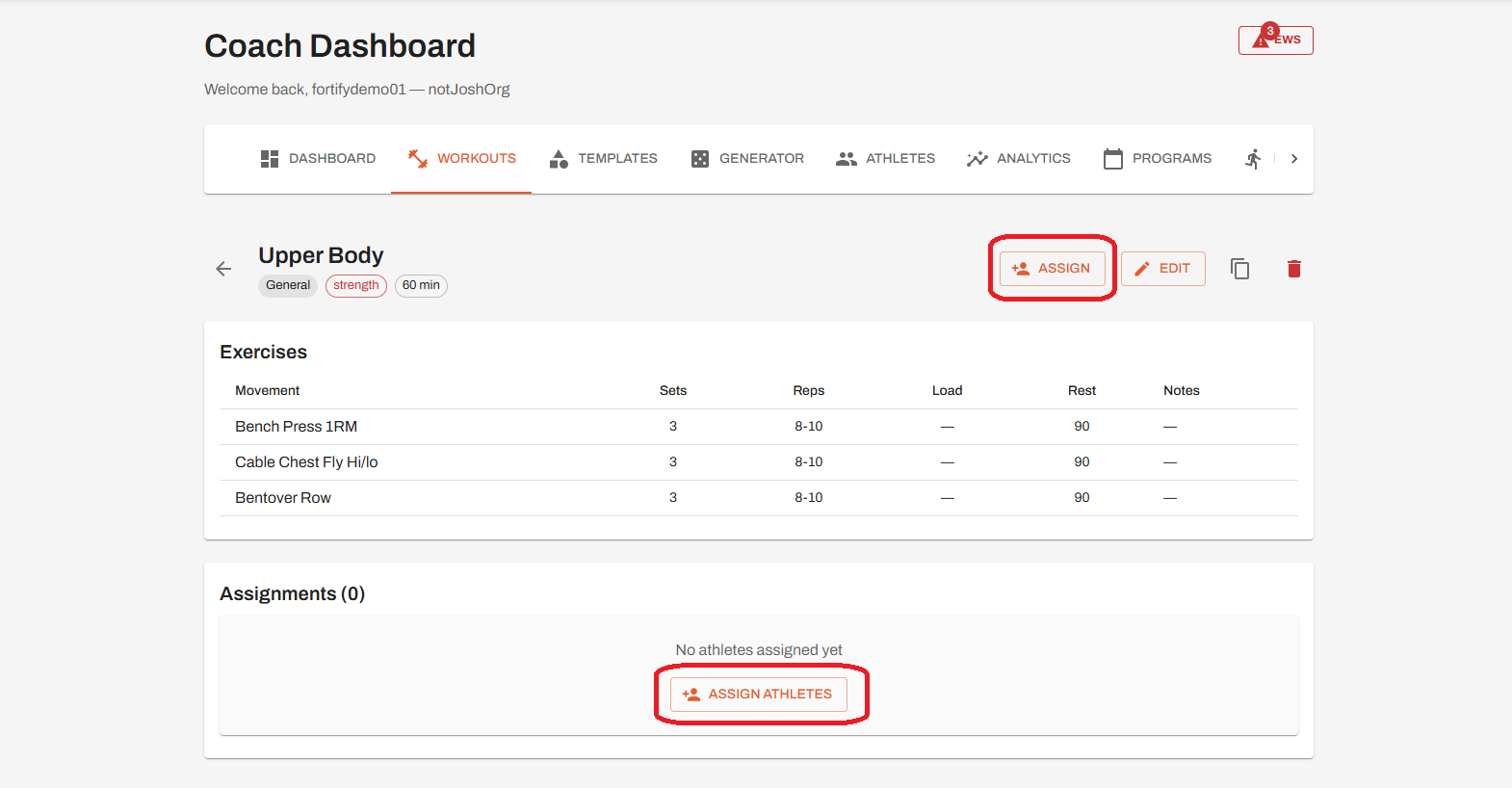
Access your saved workout in the Workouts list, then open it and click Assign to distribute it to athletes. Select the athletes you want to assign the workout to, then confirm your selection.
View assigned athletes under the Assignments section within the workout to track who is scheduled to complete it and their status.
Build your exercise library
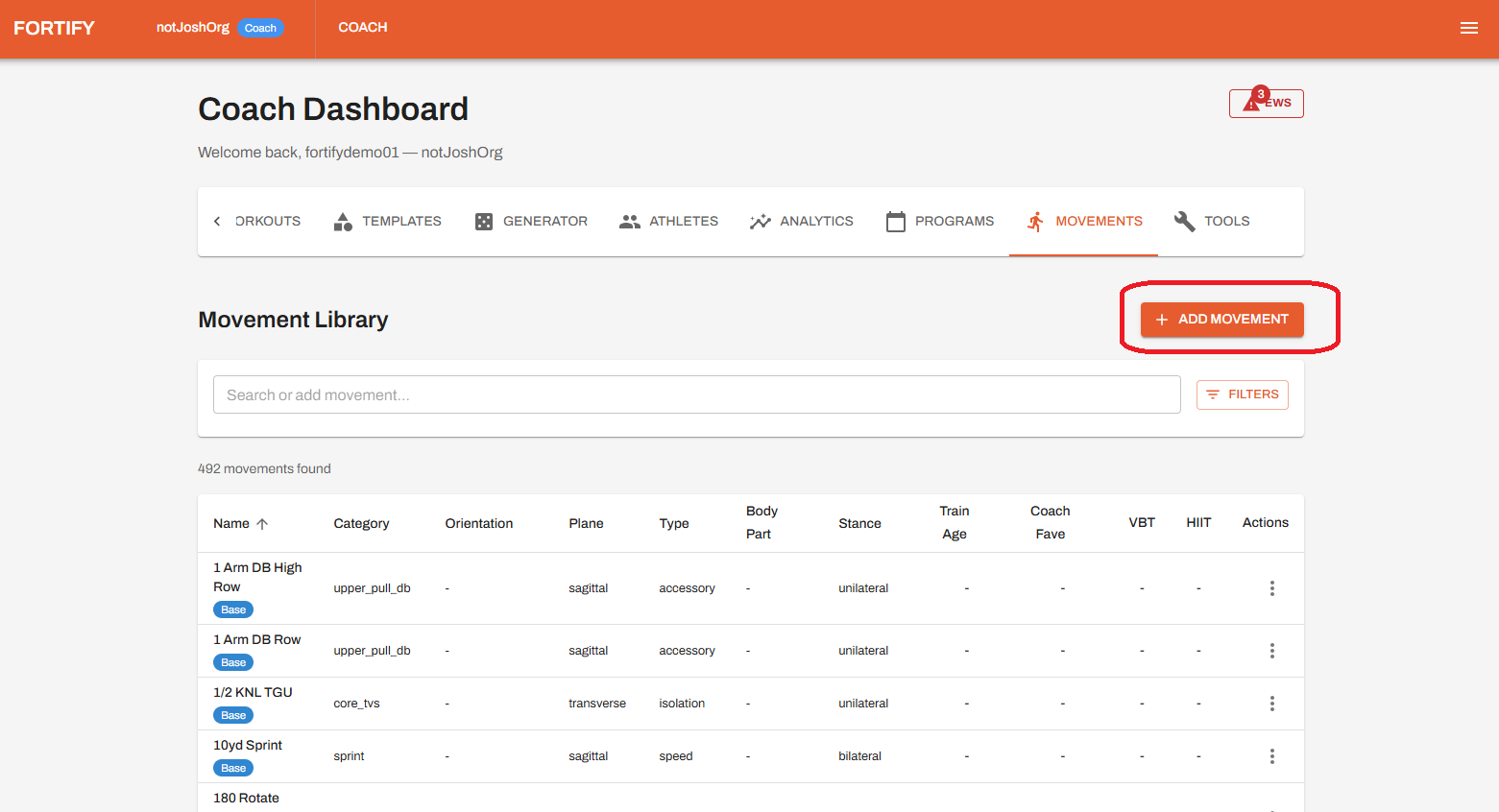
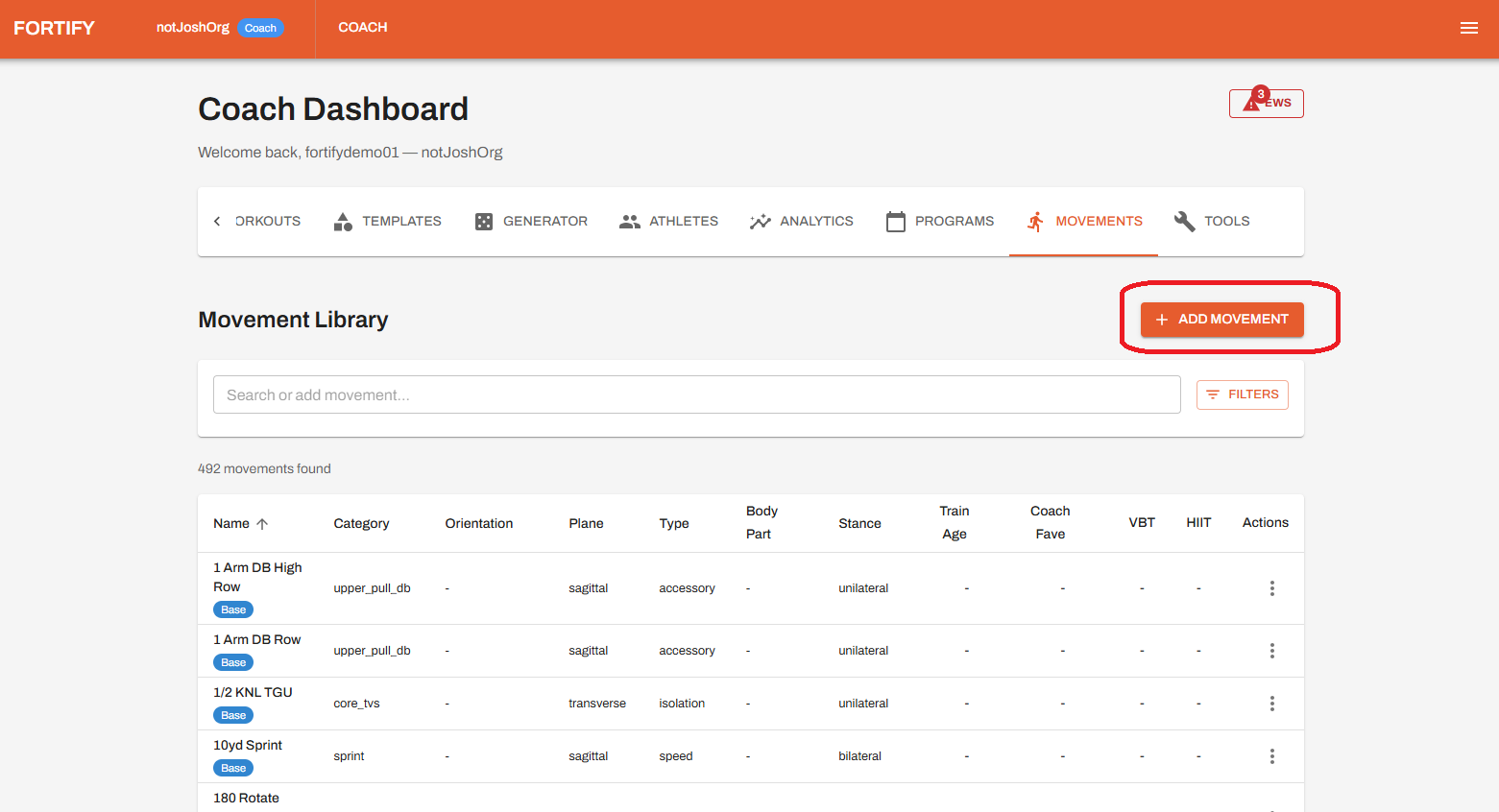
Add new exercises from the Movements section of the Coach Dashboard. Click Add Movement and enter the relevant details to expand your exercise library.
Share your feedback
Your feedback is a critical part of this beta and will directly shape the product.
To send feedback within the app:
1. Click the menu icon (three lines) in the upper right corner
2. Select Send Feedback
That's everything to get started
Continue exploring features like programs, workout generation, and assessments to get the most out of Fortify.